
Getting airborne
After putting in fuel, the engine won't start.@camera-y4mOn ItzVexo’s beginner guide
Fuel is only one check. Separate ignition trouble from a plane that will not roll.
Work through the starting checks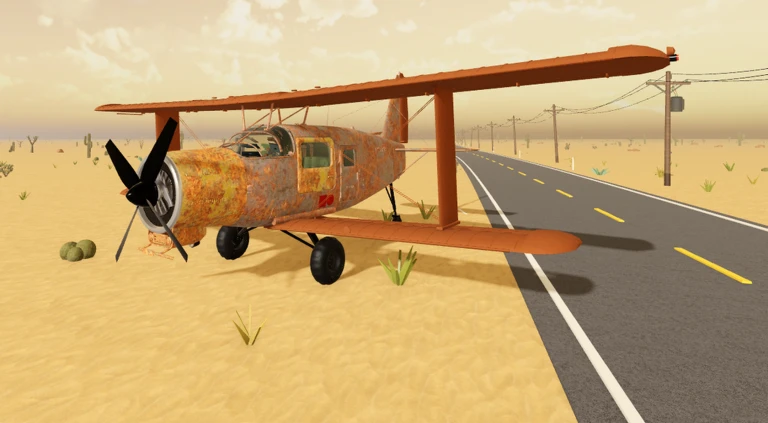
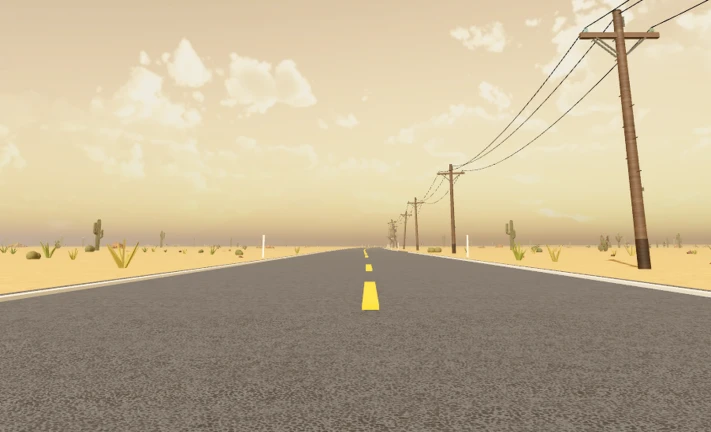
An old plane. An endless desert.
Find the controls, fix the problem
and make your first flight.
Three guides for the first trip:
learn the keys, make a flight,
or work out why you are still parked.
These figures were saved at the time above and do not update live. Positive votes = upvotes ÷ all votes. Roblox’s update timestamp is not a patch note or a release date.
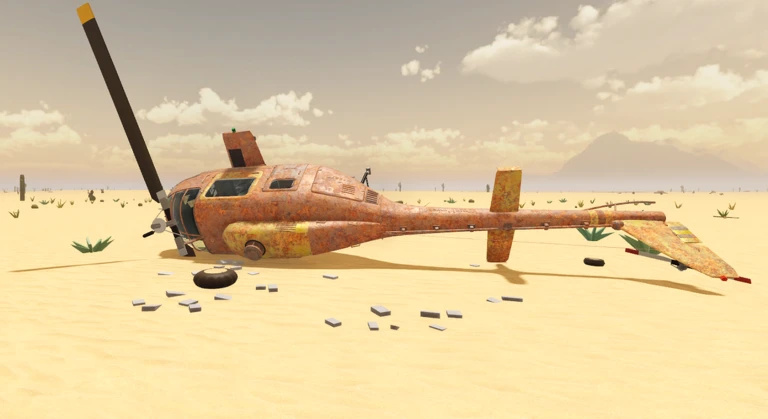
Repair your aircraft. Gather fuel. Search abandoned places for supplies. The developer’s survival loop gives every stop a purpose.
Work through the starting part prompts before expecting the plane to move.
Check your fuel before departure and keep supplies in mind when you choose a stop.
Learn pitch and throttle separately. Small corrections are easier to understand.
Search abandoned places, gather useful supplies and keep the aircraft working.
That is a different problem from failed ignition. Check throttle and the parking brake before going back to the engine.
SpaceQT introduces A Long Flight with a beginner overview of the game and its controls. Use this overview alongside the control table, and pause whenever you need to find an input.
Watch on YouTube By SpaceQT · Published . YouTube loads only when you choose the player. It may use cookies; playback is subject to YouTube availability.Small comments, familiar roadblocks. Public player remarks from community videos, with the original threads attached.
After putting in fuel, the engine won't start.@camera-y4mOn ItzVexo’s beginner guide
Fuel is only one check. Separate ignition trouble from a plane that will not roll.
Work through the starting checksDo you know how to fix contaminated oil?@3vix_rblxOn Radex Tips’ beginner guide
A real player question we are tracking. A reliable, game-specific fix has not been verified.
See what is knownHow do you do it on iPad?@kayleighmckayOn Ricoko’s beginner walkthrough
Touch players need the on-screen actions. A PC key list is not a verified iPad button map.
Read the touch-control notesComments observed 27 October 2026. These players are discussing the game; they have not reviewed or endorsed this website.
What you play, why it works this way and how to begin. Clear answers with links to the source or the next step.
A Long Flight is an early-access Roblox survival game by VSC Games. You repair an old aircraft, gather fuel and supplies, explore a desert and try to keep your journey going.
Official game descriptionThe aircraft is your way across the desert. Repairing it, keeping it fuelled and searching abandoned locations are part of the survival loop described by the developer. Flying is one part of the journey; keeping the aircraft usable is another.
Read the developer’s descriptionFollow the starting repair prompts, check fuel and enter the pilot seat. Hold M for ignition. Check the parking brake, add throttle with Shift and use a gentle S input to lift the nose once you have built speed. Our first-flight guide breaks down each step.
Follow the first-flight checklistUse the VSC Games Roblox experience page and the prompts in your current game session. This is an independent PC keyboard guide. The game is still in development, so controls and mechanics can change.
Open the official Roblox experienceQuestions actually raised by players. We link to the original comment and separate verified guidance from open questions.
Collected from public player threads · Reviewed 27 October 2026.Fuel alone does not establish that the aircraft is ready. Check that you are in the pilot seat, hold M rather than tapping it, and finish any outstanding repair prompts. If the engine already runs but the aircraft stays still, check throttle and the parking brake instead. These checks help isolate the symptom; they are not a confirmed diagnosis of the commenter’s aircraft.
See the engine troubleshooting checklistAsked by @camera-y4m on YouTubeWe have not verified a reliable fix for contaminated oil in this game. The question appears in a player’s comment, but the sources checked do not establish a tested drain or replacement procedure. Read the fluid label and the in-game interaction prompt before changing anything; do not treat advice for another Roblox game as a confirmed fix here.
Read the known limits and observation checklistAsked by @3vix_rblx on YouTubeUse the action buttons and interaction prompts shown in your game session. In reply to this exact question, the walkthrough creator says the sequence is the same but the buttons differ. We have not verified a complete iPad layout, so the PC keyboard table should not be treated as a touch-control map. Follow the repair and flight sequence, and use the current on-screen control for each action.
Read the iPad and touch-control notesAsked by @kayleighmckay; creator reply in threadKeep the guide handy. Your aircraft is waiting.
Reviewed 27 October 2026. This independent guide combines the official game description, published community controls and our beginner recommendations. It does not claim hands-on game testing. In-game prompts take priority as early access changes.